Blog

  • 21st Century Professional Development: Edcamp Fraser Valley

    If you are a new teacher, veteran teacher, parent, student, administrator, or hold a job directly/indirectly related to the education profession, edcamps offer an alternative to traditional professional development opportunities.

    Edcamps are modelled after Barcamps.  Barcamps are user-generated conferences hosted by programmers, open-source developers, and techno-geeks, and are designed to develop new skills, share best practices and maintain an open dialogue about the development of the computer industry.  Edcamp was started by a group of dedicated educators, in Philadelphia, USA who saw a need to improve traditional professional development, and who saw the opportunity, and need, for an unconference model in education.

    Edcamps are now offered in every major city in North America as well as England and other countries in Europe.  This December an edcamp, Edcamp Fraser Valley (edcampfv), is being offered close to where I teach and I’m excited to be part of it.  Chris Wejr organized Edcampfv with help from David Wees and Grant Frend and a  small group of volunteers.  Here are the details:

    What is the format of an Edcamp?:

    Edcamps try to capture the best features of traditional professional workshops, which tends to be the conversations that pop up in the workshop itself, or the conversations between educators at lunch or between sessions.  With that in mind, an edcamp can best be described as a gathering of individuals with strong interests in the field of education with the intention of exchanging ideas, sharing their experiences, and learning from others in a hierarchy free setting.  Everyone has a voice in an Edcamp!  There are no expensive keynote speakers, no preset workshops, and no cost.

    On the morning of the event, all attendees have the option to lead a discussion by placing their name and the topic of their discussion on a large board for all attendees to view.  Once all discussion topics have been displayed, attends vote on which discussions they would like to contribute to and attended.  Once the discussion begins, others are actively encouraged to contribute and share their experiences in order to maintain or move the discussion forward in way that the groups sees fit.  Best of all, if the discussion doesn’t suit your needs, just move to the next one.  No one will judge you to be impolite.

    Who can attend?:

    Anyone with strong interest in the education professional.  For example, teachers, support staff, administrators, school board employees, parents, students, etc…

    [vimeo http://www.vimeo.com/16592733 w=640&h=360]
  • Taking A Break

    20110723-081804.jpg

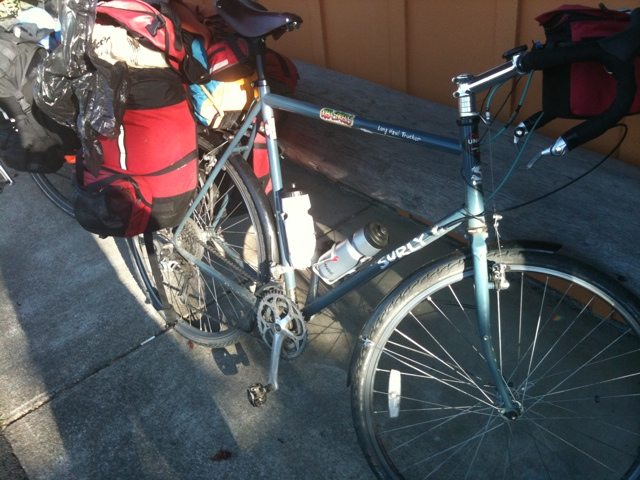
    Roaming Educator will be away from the blog for a month. I’m cycling touring down the west coast of the northern USA.

    You can follow my trip at http://cyclestories.wordpress.com

    When I return I’ll be taking about Edcampfv (edcamp Fraser Valley.) You can follow tweets at @edcampfv

  • TED Talks for Kids in B.C.

    [youtube http://www.youtube.com/watch?v=xo24PmD9eic&w=640&h=390]

    As an elementary educator who encourages student involvement in many aspects of the education system, not just in the classroom, I am incredibly excited about the  independent TED event coming to Vancouver in September of this year.  TEDxKids BC is scheduled for Saturday September 17th, 2011 in Vancouver and will showcase student achievement and celebrate empowerment of students in our education system.  In a similar fashion to the larger and more prestigious TED Talks, TEDxKids BC showcases ordinary students and allows them a platform to share their experiences and inspire others to follow their dreams.

    The organizers of TEDxKids BC are still looking for awe-inspiring kids who meet some of the following requirements:

    • Someone who has created a project that has made other people take notice and say: “Wow — what an amazing thing to do!”
    • Perhaps a kid who has helped others without thinking of him or herself — someone who just jumped in to lend a helping hand — and then perhaps the project grew and others liked the idea so much, that they too wanted to get involved.
    • Or maybe a speaker has a talent that they would like to share. They could tell the audience about how they developed this talent — or the effect they see in others when they perform.
    If you can have a student in your class already, or know of a student that would fit well into some of the categories above, and would like to nominate himher then please fill out the this form.
    You can also follow and promote TEDxKids BC through the following social media sites:
  • Tech Integration Post #8 of 10: Live Streaming

    This post was inspired by @gcouros and Forest Green School in Alberta.

    Broadcasting live feeds to the Internet, or live streaming as it’s known, and allowing other students and professionals to watch events is guaranteed to increase engagement levels in your classroom, tenfold. There are many Internet broadcasting options available completely free of charge. Here’s a short list:

    1. USTREAM
    2. Livestream
    3. Veetle
    4. Freedocast

    I like to use Livestream because it allows broadcasts to be streamed with increased quality when using the Procaster rather than the online webcast option. Livestream like many of the above has its downfalls.  Perhaps the most frustrating of these downfalls are the advertisements which pop up at the most inopportune times.  If you streams are fairly short you may gat away with it but if you stream live for any length of time you have to deal with the advertisements.  The free version of Livstream doesn’t allow you to transmit HD quality images even if you have a HD webcam which is somewhat disappointing, but I’ve learned to live with it.  I’m sure you will too.

    This term, I’ve used Livestream in the following ways:

    1. Present a weekly student news broadcast once a week: CETV News

      • You can follow the broadcasts live at 1pm PST on Friday’s here
      • I have a small broadcast-journalism news team of 5:
        • 1 technician, 2 newsreader’s, 1 script writing, and 1 researcher
      • On Monday morning I allow the researcher to research 5 segments including international, national, community, school, and sports news stories
      • Once the news stories have been identified, the researcher fills out a Who, What, Where, When, Why, and How table
      • On Tuesday and Wednesday the script writer uses the above table and adds his/her own unique touch to the stories.  It’s important to use a script writer who is comfortable using powerful language.  The script writer hands the final script to both newsreader’s by Thursday at recess.
      • This enables the newsreader’s to practice pronunciation and fluency in preparation for the broadcast the following day
      • During the broadcast we use hand signals which encourage the newsreader’s to slow down, speed up, smile, and speak louder. The cycle repeats itself again on Monday
      • Student engagement is high with this activity, and the fact that the broadcast may be viewed by anyone with the link means there is an increased level of professionalism from all involved.

    2. Streamed live presentations of political candidates in the electoral riding of Chilliwack-Fraser Canyon

      • To coincide with the Canadian General Election which took place on May 2nd, 2011 my teaching partner and I invited all 6 electoral candidates for our riding into school to present to our grade 5/6 classes
      • The plan was to have candidates deliver a kid-friendly synopsis of their party platform to our students, and our students would then vote at the end of the week.
      • After further consideration we decided to invite other schools in our district to join us in the voting process.
      • Livestream enabled us to stream the presentations live to eight elementary schools in our district.  The live presentations offered an additional sense of authenticity for students, and resulted in a higher voter turn out.
      • Presentations can be view here: Central Election
    I experienced several challenges along the way, but I persevered and was pleased by the end results.  It is critical to hardwire to the network rather than use a wireless connection when streaming.  We found that it is best to stream in a room as small as possible to get the best audio results.  I also found it was better to use the microphone built into the webcam rather the microphone built into my computer.  Finally, it extremely helpful to conduct several tests before going live to ensure audio levels and video quality were optimum.
    If you plan to try this please feel free to contact me for help if needed.
  • Tech Integration Post #7 0f 10: Using Voki’s in Social Studies

    After covering The United Nations, The Universal Declaration of Human Rights (UDHR), and The Convention of the Rights Of The Child in our social studies classes this term, I successfully used Voki’s with my students to demonstrate their knowledge.

    Here’s an outline of what I had them do:

    Assignment Steps:

    1. Visit www.voki.com
    2. Click on the create button in the top left hand corner
    3. Next, customize your character by gender, hairstyle, and clothing
    4. Once you are happy with your character click done
    5. Now it’s time to add the voice of your character.  I would like you to make your character talk about important points you have recently learned about the United Nations
    6. You can either record your own voice or use the text to speech box.
    7. Once you’ve selected an appropriate voice for your character click done
    8. You can now publish your work – click publish
    9. You will be prompted to name your work: Use firstname and UN in capitals
    10. If you have not already created an account you will need to do so now – use your @mrlister.co.cc email address and DO NOT use your last name
    11. Once registered choose medium sized voki
    12. Copy all the text in the box labelled “For Most Sites Use This Code”
    13. Once you have the code for your Voki visit the following Google Document and paste your code under your name – http://bit.ly/hsohIT

    Student engagement levels were particularly high during this assignment and I received some thoughtful responses.  Here’s an example…


    AC_Voki_Embed(200,267,”40fb56fdc05aa7ceb3bed7e9b22763a8″,3150442, 1, “”, 0);
    Get a Voki now!


  • Free The Children: My Students Are The Change

    Since attending my first We Day in Vancouver this year I have been amazed by all the people at Free The Children and their sister organization MeToWe.  Everything about the organization from the top down to the bottom is solely focus on creating opportunities for students around the world to be become aware of local and global issues, and to take action.  They do this with an adrenaline charged message that is impactful and long-lasting to our youth.

    Free The Children make it easy for educators to create awareness and encourage students to stand up and speak out.  The educator resources can be used in many subject areas including social studies, health and career education, mathematics, and language arts.  The lesson plans are ready-made, easy to follow, well prepared, and are easily adapted or modified.  If that isn’t enough, when you contact Free The Children they will connect you with a highly motivated program coordinator who is well-educated, knowledgeable, great with students, and ready to assist the delivery of Free The Children’s message to your classroom/school whenever you need them.  Program coordinators have offered resources, small group sessions, presentations in assemblies, and support to students in delivery of the program.

    A Calendar of Action

    Throughout the school year Free The Children have carefully created opportunities for youth to become more aware of local and global issues around the world.  Most of their campaigns centre around creating awareness around Children’s Rights. Here’s a brief list of awareness campaigns:

    Here’s how We Day Vancouver and  Free The Children inspired two grade 5/6 classrooms at Central Elementary Community School in Chilliwack, British Columbia to BE THE CHANGE!

    Halloween For Hunger at Central Elementary Community School:

    • Instead of, or as well as, collecting candy on Halloween, students collected non-perishable foods items to donate to the local food bank
    • We set a goal of collecting 200 items of non-perishable food
    • Students used their social networks to get the message out
    • They told their friends and family members
    • They distributed flyers informing the community of their actions
    • They dressed in costume and collected with care
    • We collected over 630 items of non-perishable food
    • We smashed our goal!

    [youtube=http://www.youtube.com/watch?v=EFNdJi8Ex68]

    Vow Of Silence At Central Elementary Community School:

    • Students went silent for the day in support of all children around the world whose Rights are violated
    • They arrived at school with tape over their mouths, with homemade badges, and colourfully designed t-shirts
    • The rest of the school were shocked by their actions and wanted to know more
    • Both grade 5/6 teachers structured their day to honour all participating students
    • The day was a complete success with many students remaining silent for the whole day.
    • The message was clear and well understood.  Children’s Rights should always be followed and never taken for granted

    [youtube=http://www.youtube.com/watch?v=8HVtOUf_Gz8]

  • Restorative Circles In The Elementary Classroom

    [youtube=http://www.youtube.com/watch?v=EBAg2LhmWz8]


    I’ve used restorative circles in my elementary classroom since the beginning of the school year and I can already feel the sense of community developing quicker than in previous years.  My school counsellor introduced my to the idea of restorative circles by handing me the book, “Restorative Circles In School.”  The International Institutes for Restorative Practices produces the book and they have a great website full of useful information.  Although circles in my classroom are in their infancy I appreciate the opportunity to sit with my students and listen to their stories, their thoughts, and really understand whether or not they’re reading for take in new learning.

    Why Use Restorative Circles

    1. Builds a participatory community
    2. Establishes a classroom support network
    3. Allows for focused classroom discussion
    4. Creates an environment of trust and respect

    Circles In My Classroom

    • In my grade 5/6 classroom circles take place, twice a week, on Monday mornings  and Friday afternoons.
    • We meet on Monday’s so that we can check-in after the two day weekend break.  If some of my student’s have experienced a difficult weekend I have the opportunity to give them additional supports before.
    • The circle is formed so that everyone can see each other and no one is hidden from sight.
    • Topics of discussion are specifically chosen to include all individuals and are generally light in nature while students become comfortable with sharing
    • The speaker holds an object when they speak.  Only the person holding the object may talk, the rest listen
    • Once the facilitator has shared the topic they decide which way the circle goes (clockwise/anticlockwise)

    Already, I feel a deeper connection with my students after only a few weeks of the new school year and I feel the class has been exposed to a new type of support network.  Some students may offer their support to other students who might need help.  Other students may ask for help or support from another student for the day in an effort to lessen the burden they may be facing.

    The most important consideration I’ve noticed so far is making sure a level of trust has been established in the circle.  This helps affirm to students that it is safe to share information and express oneself.

    I would welcome connecting with other educators who are conducting restorative practices in their classrooms.

  • The Living Library Project: Everyone Has A Story

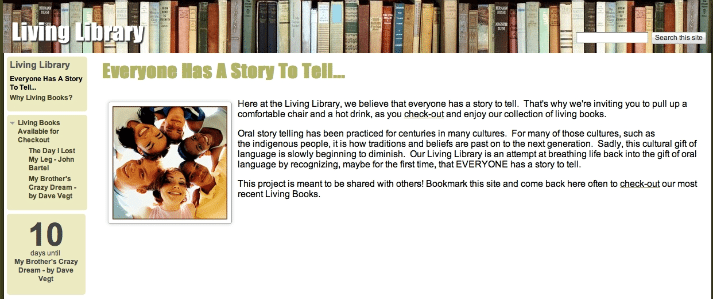
    The Living Library Project is a project designed to improve oral language skills for all grade 5/6 students at Central Elementary Community School in Chilliwack, British Columbia, Canada.  In the next 9 months, we plan to invite living books, local and global community members, into the classroom to tell their stories orally to our students.  Our hope is that through these stories each of our students will realize that they too are a Living Book with a story to tell.

    Oral story telling has been practiced for centuries in many cultures.  For many of those cultures, such as the indigenous people’s, it is how traditions and beliefs are passed on to the next generation.  Sadly, this cultural gift of language is slowly beginning to diminish.  Our Living Library is an attempt at breathing life back into the gift of oral language by recognizing, maybe for the first time, that EVERYONE has a story to tell.

    Goals:

    1. Living Books will introduce students to a variety of worldviews and life experiences
    2. Living Books will help students realize them have stories of their own to tell
    3. Students will use speaking and listening to improve and extend thinking
    4. Students will increase vocabulary usage and oral language skills

    Process:

    We are inviting Living Books, local and global community members, into the classroom to tell their stories orally to our students.  Our hope is that through these stories each of our students will realize that they are a living book with a story to tell.  If you have a story to tell contact us at livinglibrary33@gmail.com.

    This project is meant to be shared with others, just as oral stories have been shared among cultures in our past.  Check out the website often to hear our most recent Living Books.

  • Four-Square Writing Process

    With so many reluctant writers in my class I needed to start the year with an alternate writing tool.  Last year, while I was working as a collaboration-relief teacher I came across a writing framework that was both logic and simple to use.  The Four-Square writing framework is essentially a graphic organizer which allows students to organize their thoughts in a logical ways and present them in paragraph form.

    So far this year my students have been practicing writing a five sentence paragraph.  Once they master this process I will move to an 8-sentence paragraph, and finish with combining several paragraphs together.

    Here is a link to a useful Powerpoint presentation using the four-square framework.

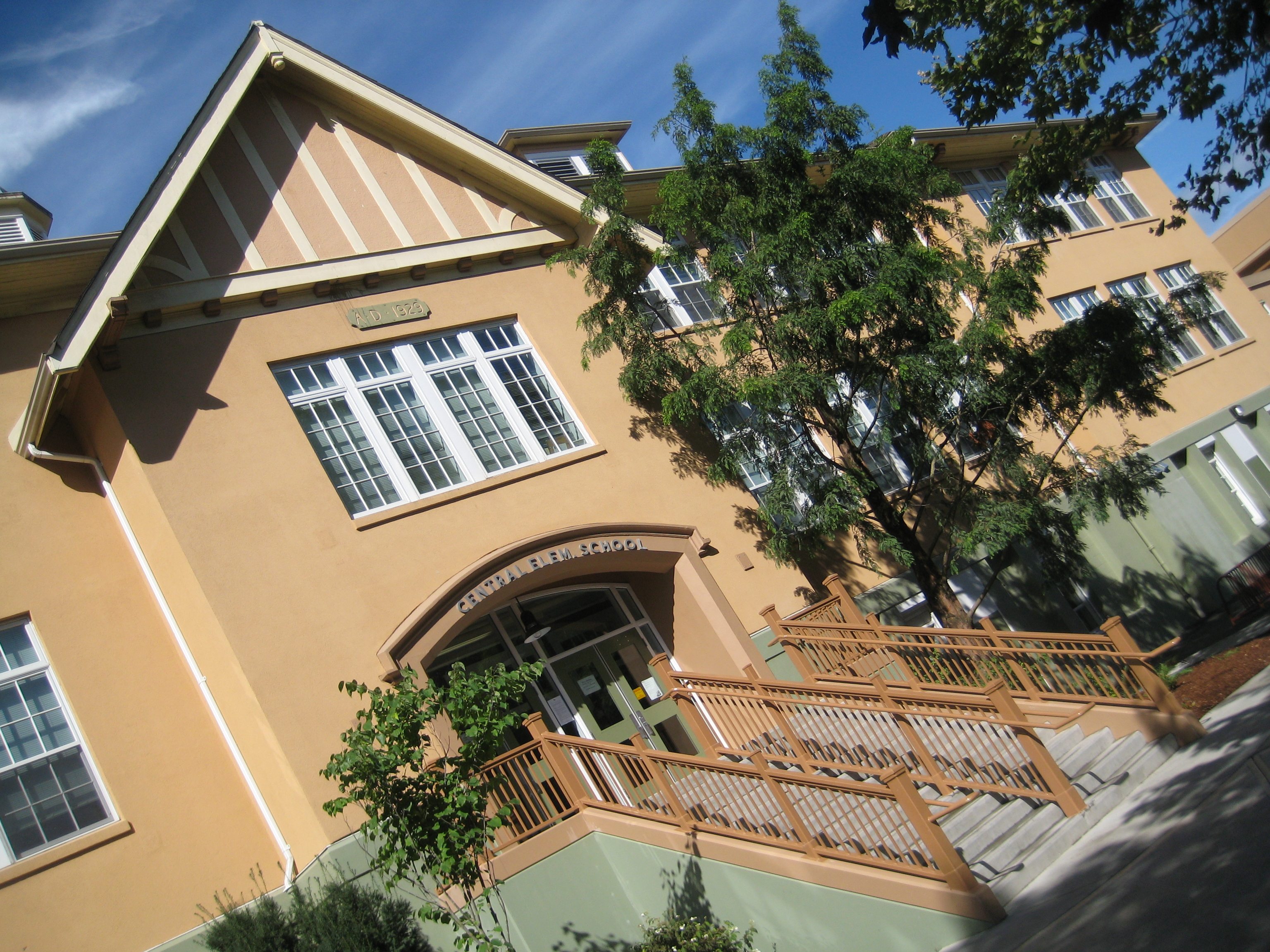
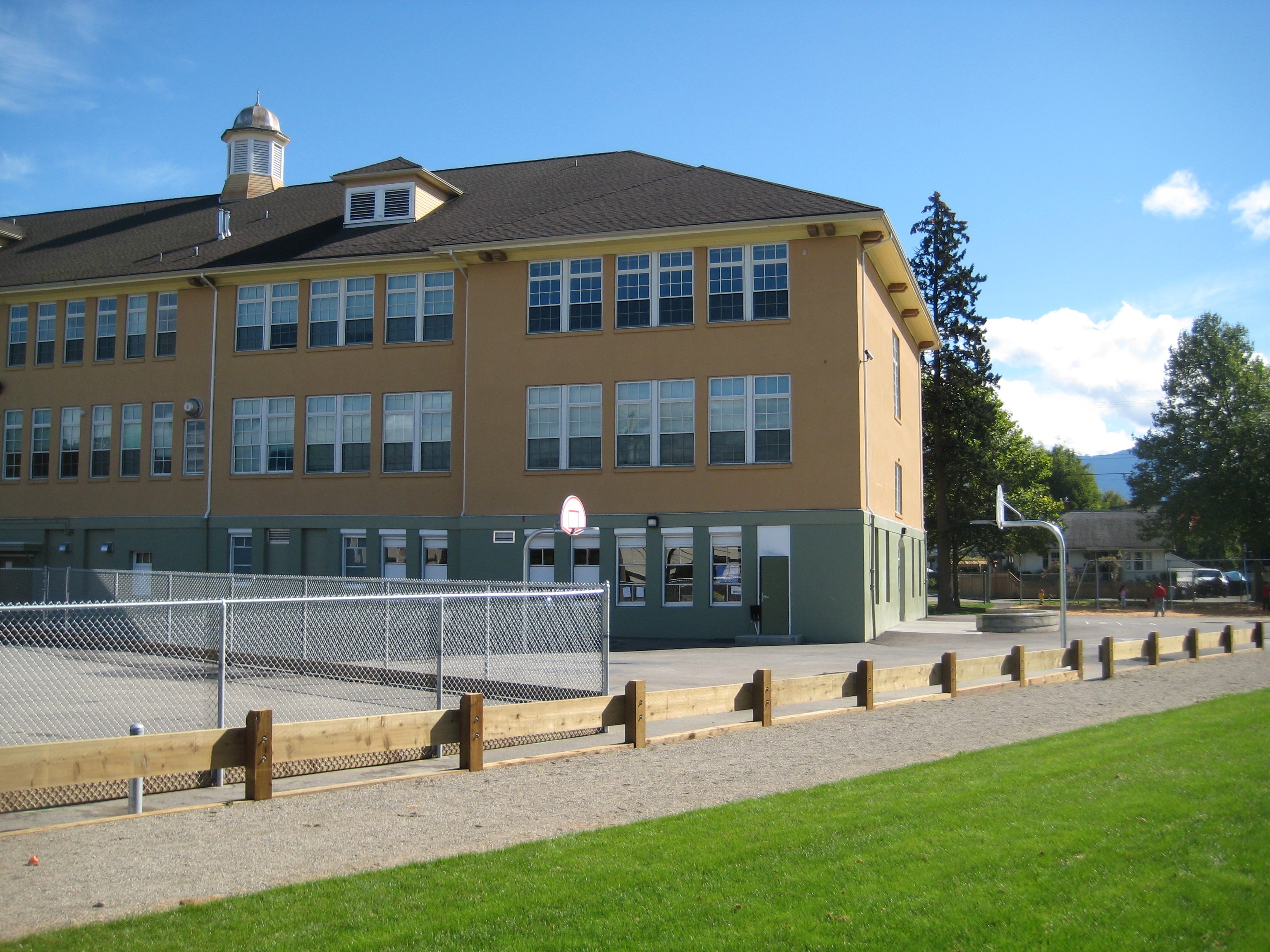
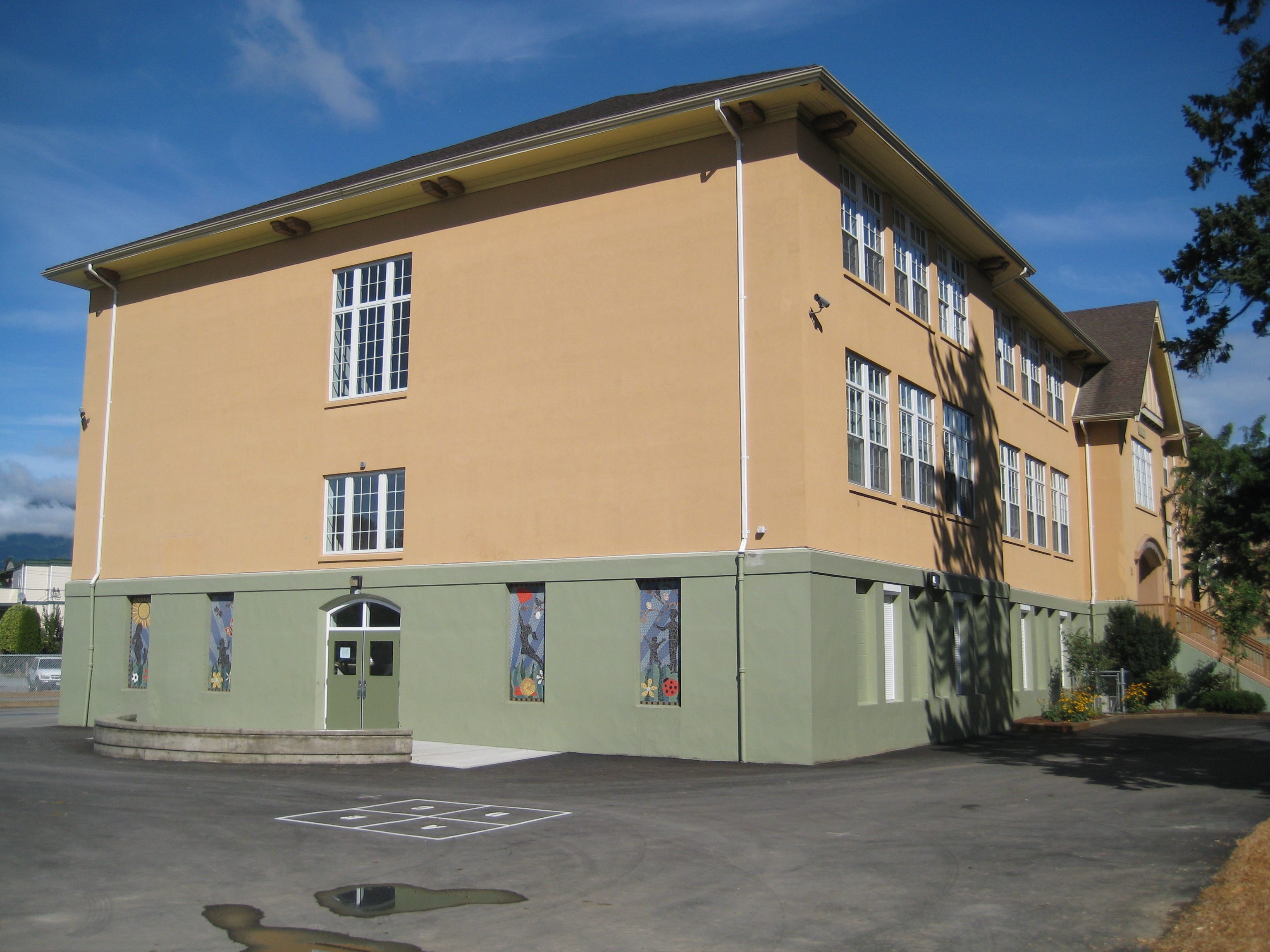
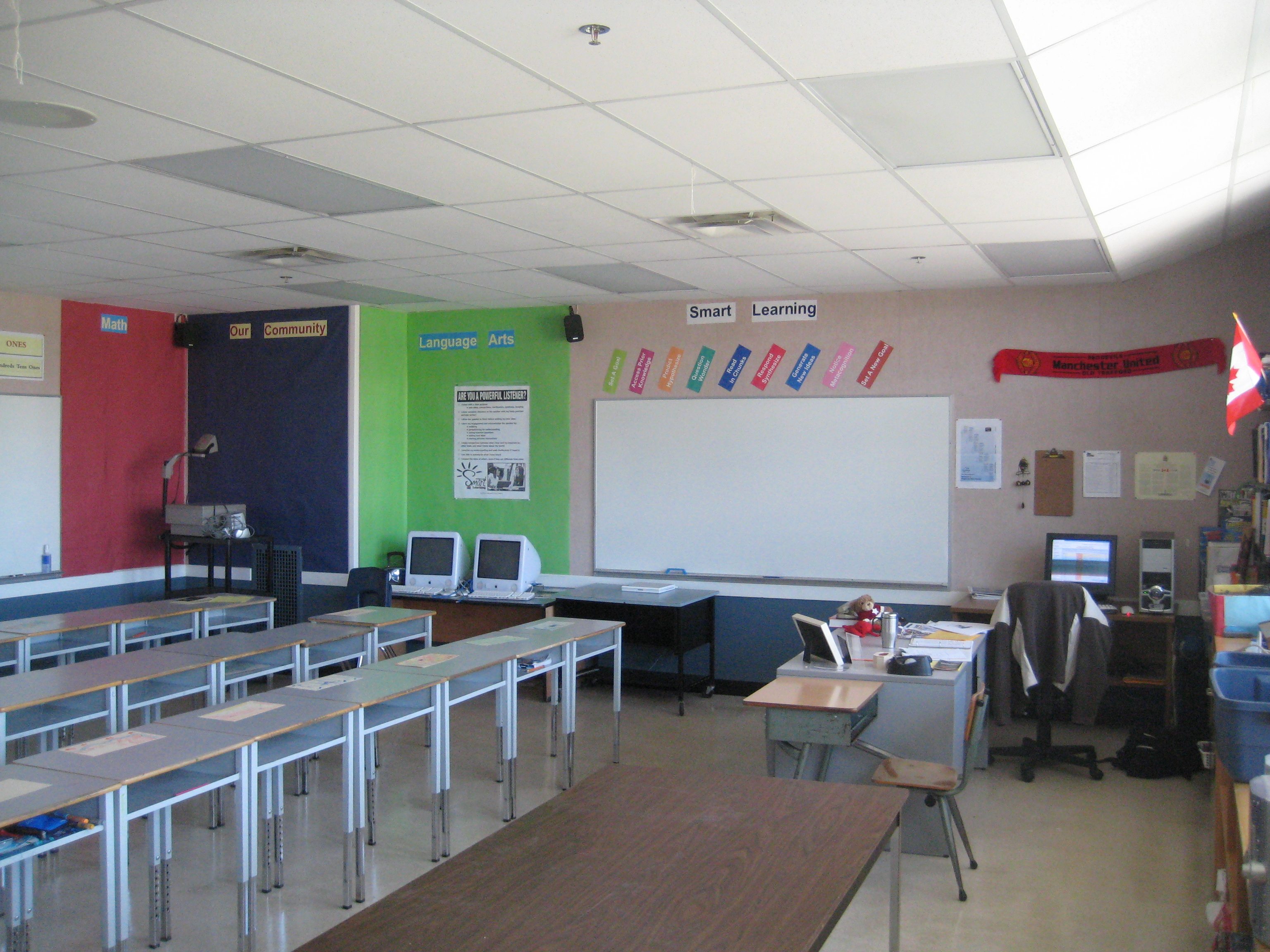
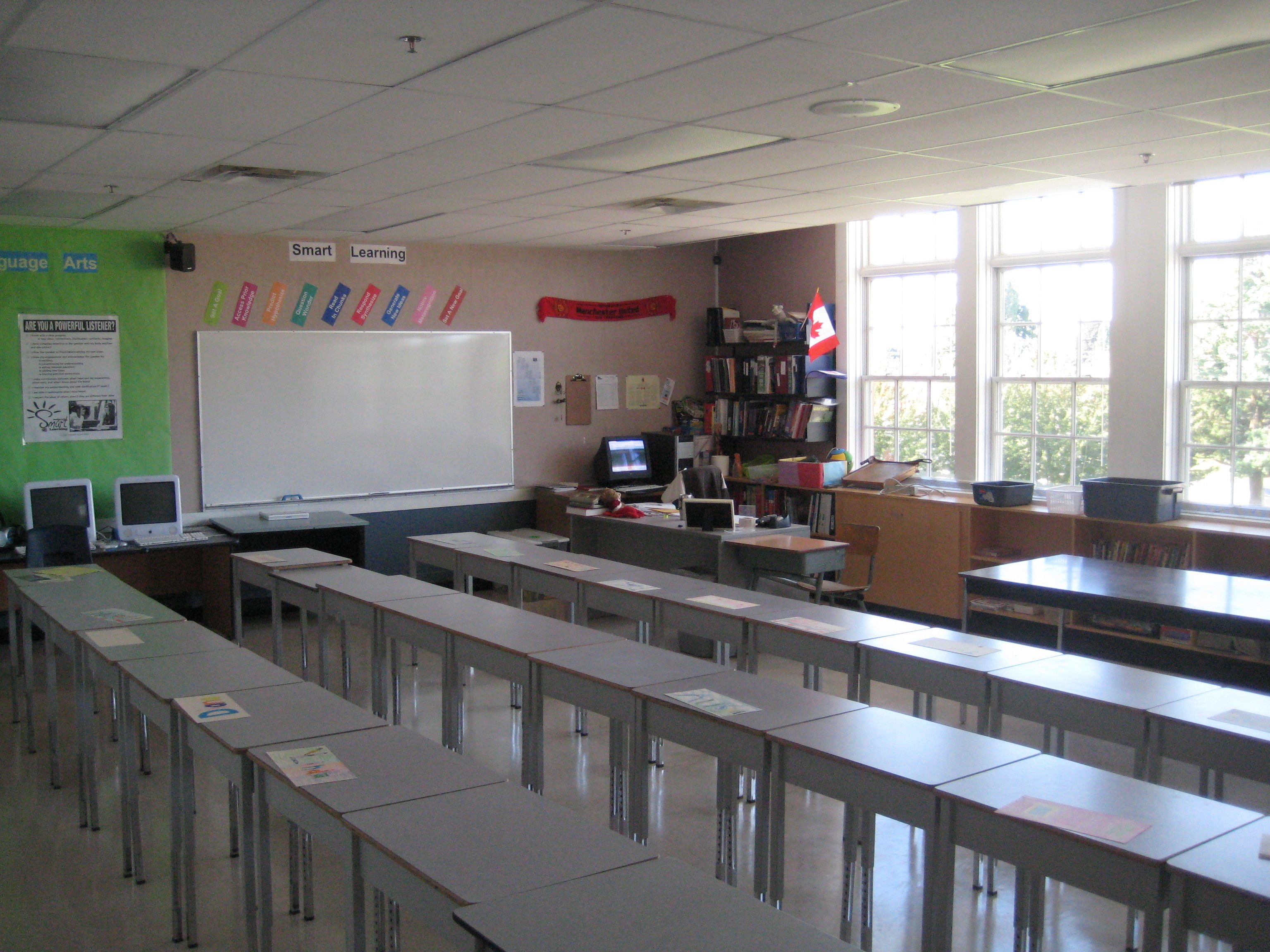
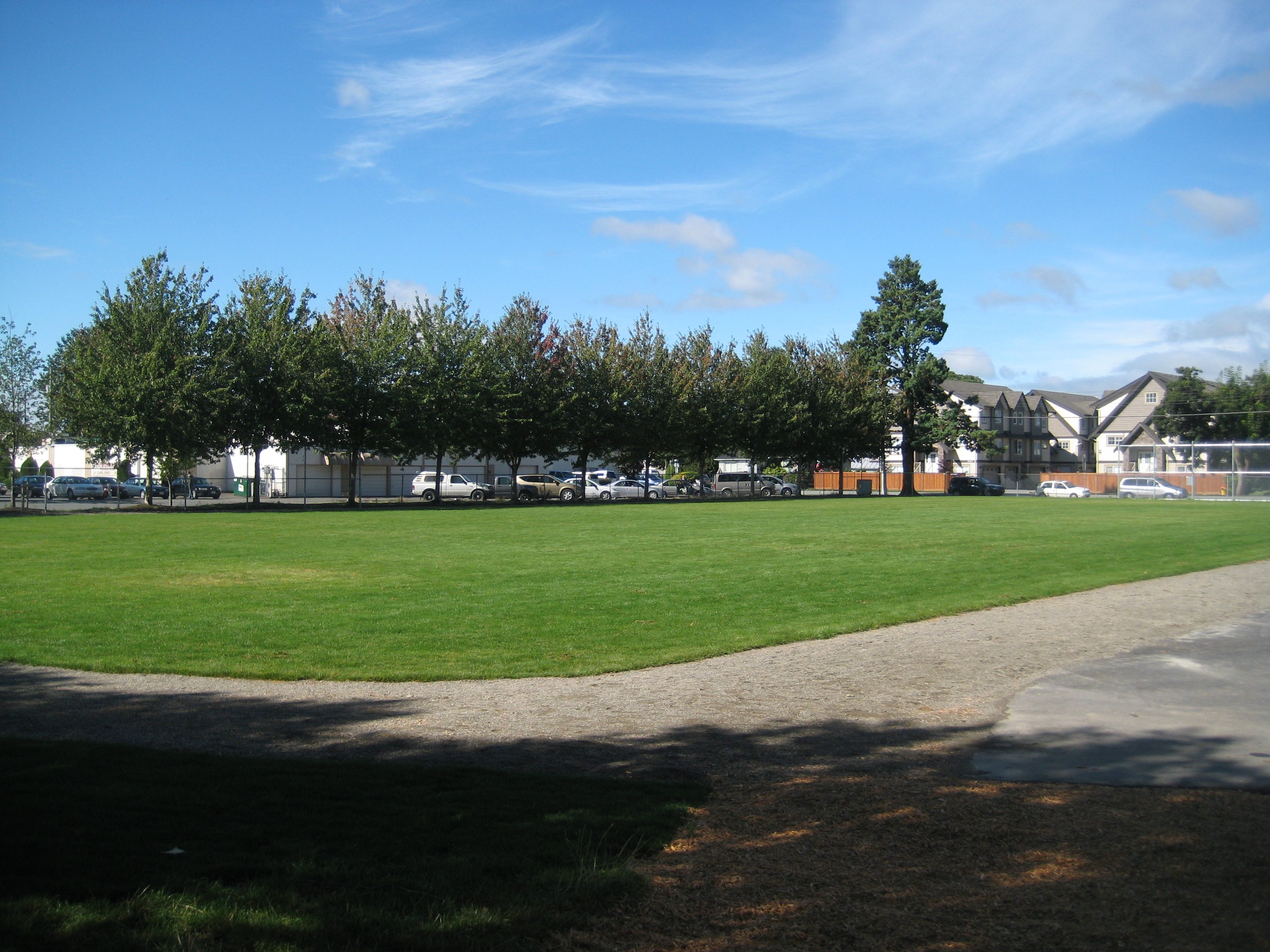
  • My New Home

    After working as a collaboration teacher last year, traveling from school to school without a home school, I’m relieved to have found a permanent classroom for the year.  This year I’m working at Central Elementary Community School in Chilliwack, British Columbia, Canada.  I’m teaching grade 5/6.  I worked at Central two years ago but the school looked very different then.  Sadly, I don’t have any comparison pictures to share with you but imagine 250 students jammed into several poorly designed and irregularly heated porta cabins for the year.  Today the school is the flagship school in the district.  The building has been fully renovated but retains its old 3 storey school-house feel.  The grounds of the school are both vast and well-groomed.  Within the grounds of the school we have a full-size field suitable for hosting soccer games and field events, a 250m running track, a fully enclosed ball-hockey rink, basketball nets and tether ball stands.  In addition we have various climbing structures for both primary and intermediate playgrounds, and several sets of swings.  I’m really excited to be back at Central, and to be working with the diverse learners in this inner-city school.